To contact iQ Support, click the Envelope icon on the Ingram navigation bar located on all Ingram iQ screens. This generates an email to the iQ Support Mailbox. Our Ingram iQ Support team monitors the mailbox 8:00 a.m. to 5:00 p.m. Central Time, Monday - Friday.
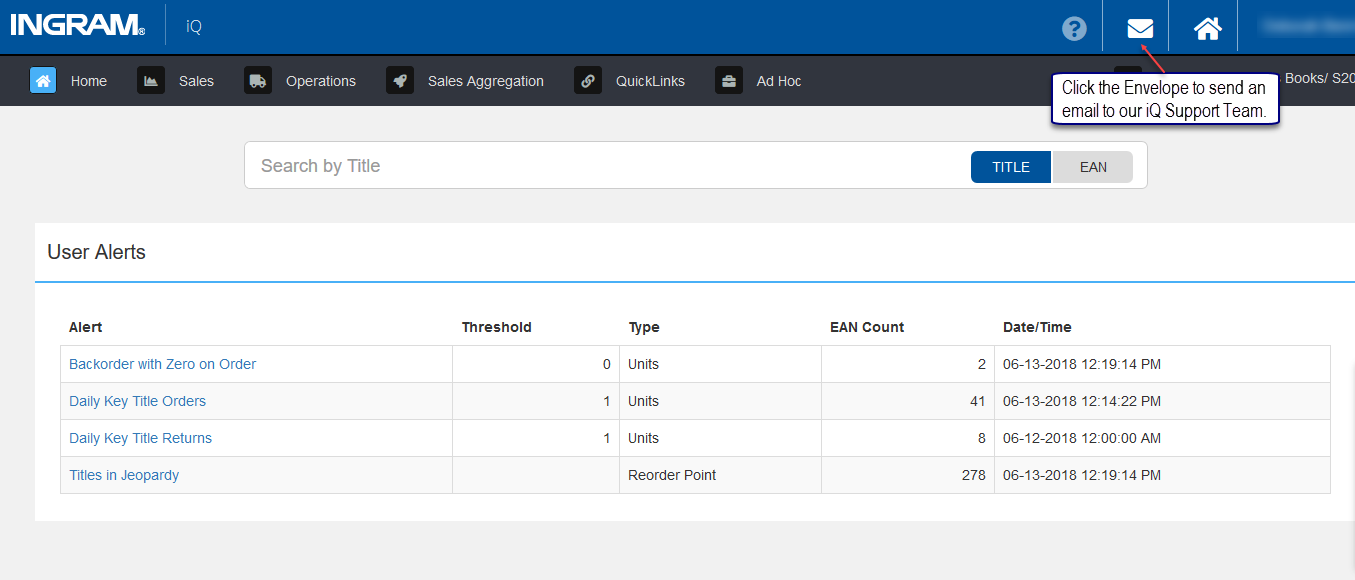
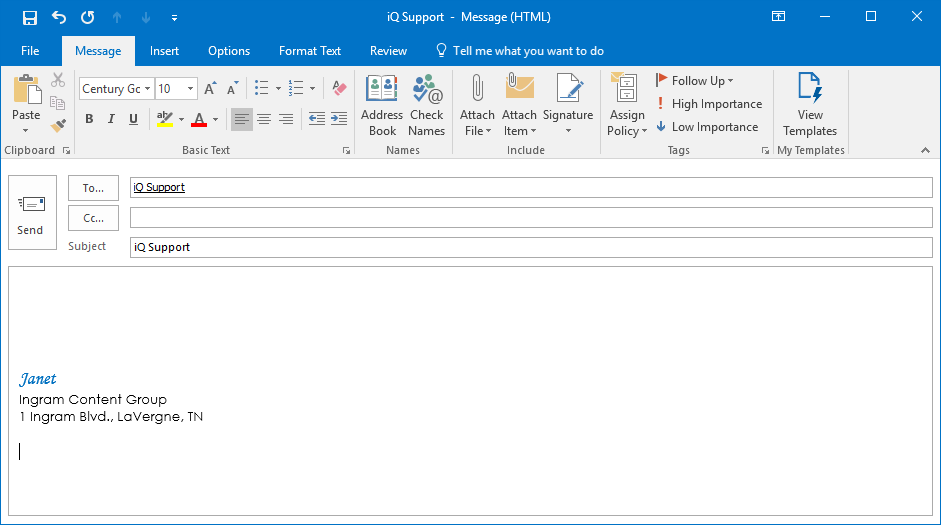
Clicking the Envelope icon, creates an email from the user with the iQ Support email address populated.
Comments
0 comments
Please sign in to leave a comment.