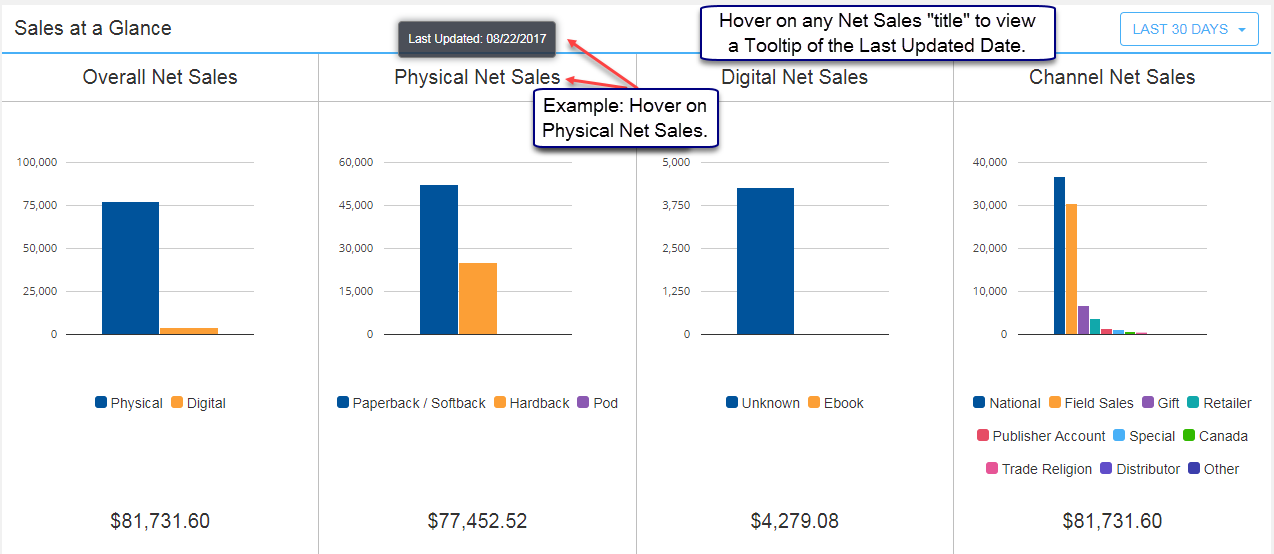
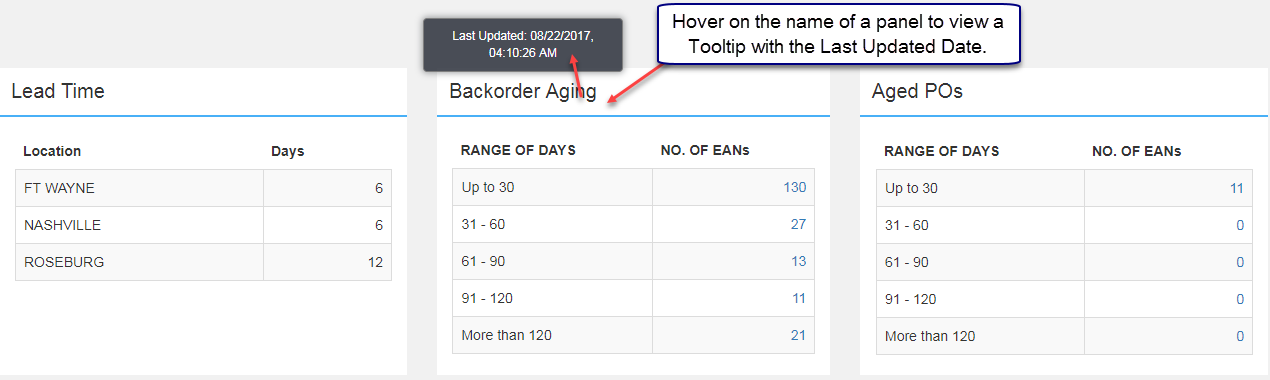
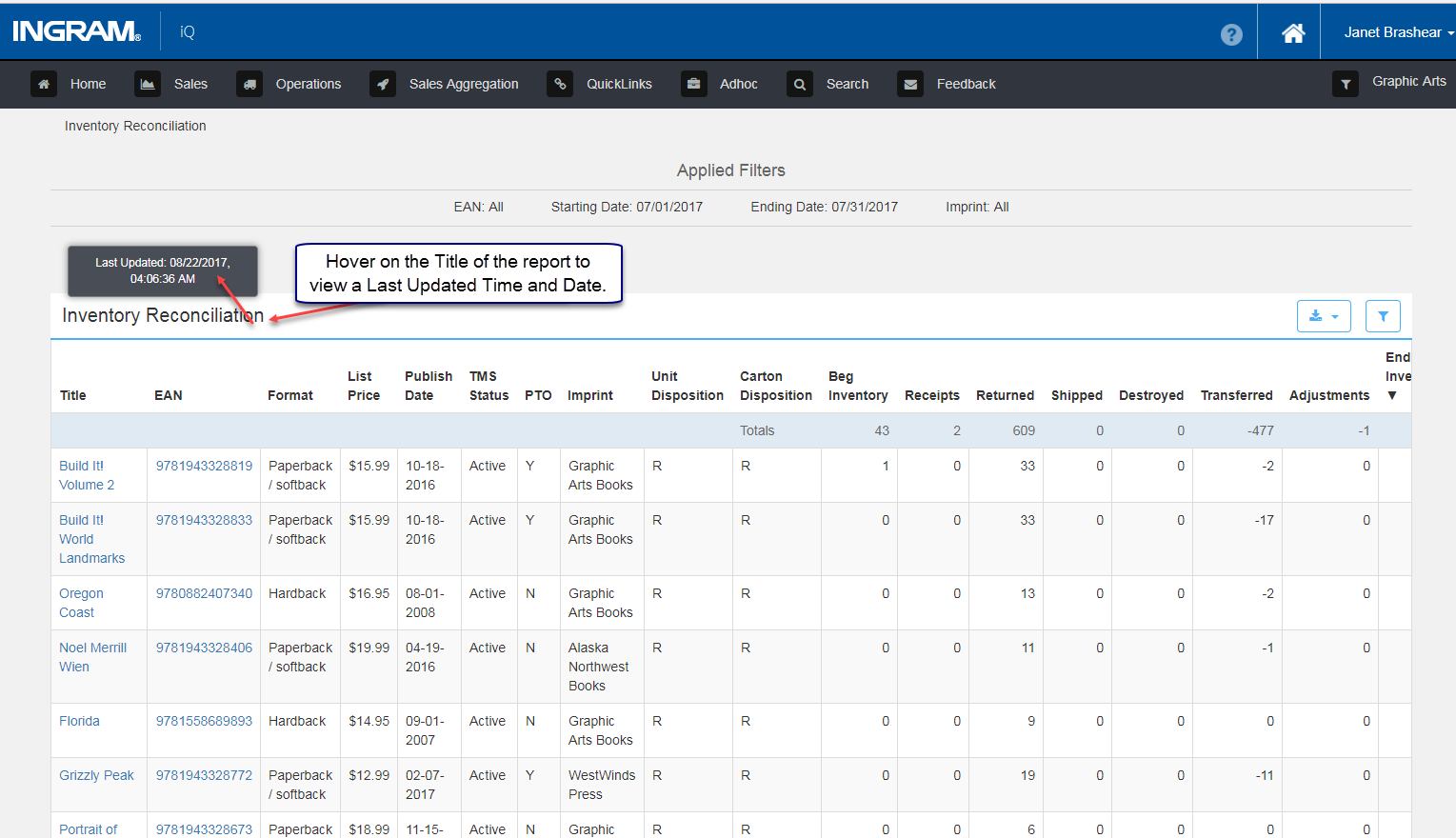
Hover on the "Title or Name" of Charts, Panels and Reports to view a "Last Updated" Tooltip. Chart, Panel and Report information updated throughout the day will display the Date and Time. Charts, Panels and Reports which are not updated throughout the day will list the Date only.
Hover on the name of the Bar Chart to view when information was Last Updated.
Hover your mouse over the name of the panel to view "Last Updated" information. Since Backorder Aging is updated throughout the day, the time is also listed. Central Standard Time values are reported.
Hover on the title of the report to view "Last Updated" information. Since Inventory is updated throughout the day, both Date and CST Time are displayed.
Comments
0 comments
Please sign in to leave a comment.