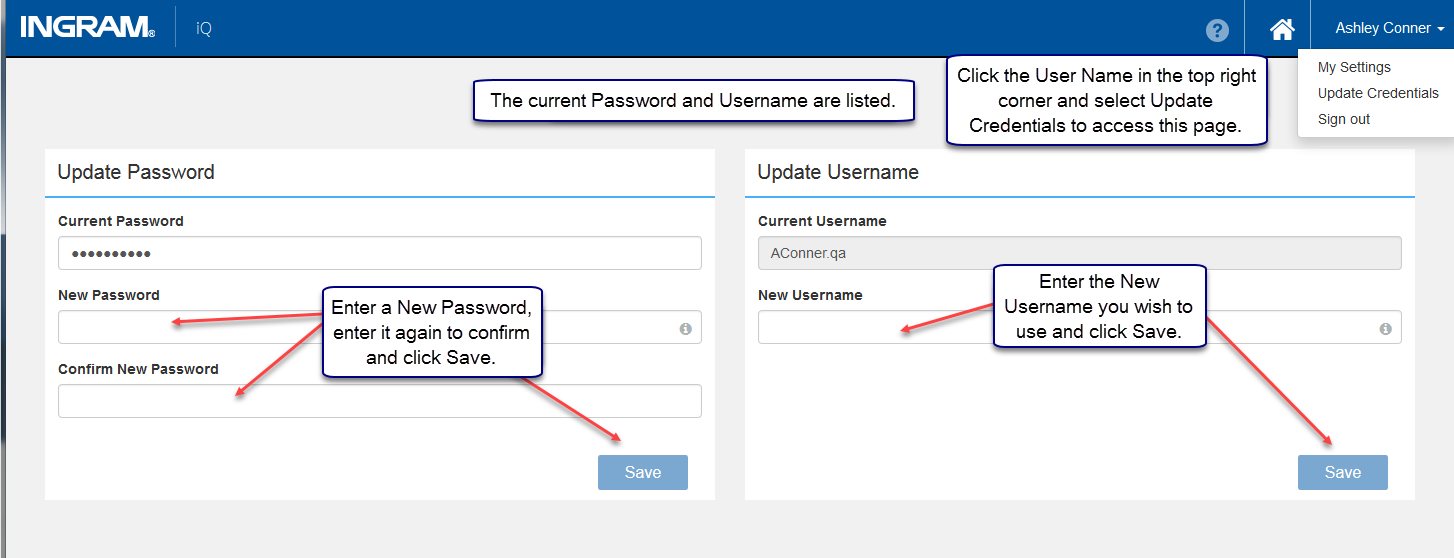
Users may update their current credentials at any time. To do so, click your name in the top right corner and select Update Credentials from the dropdown. Passwords, usernames, and security questions do not have to be changed at the same time. It is acceptable to update one option.
Please note: there is a Save button in each section. Update and save one section before updating and saving another section.
Password
It is highly recommended the user change their password and username when they log into Ingram iQ for the first time.
Requirements:
- Minimum 16 characters
- Alpha numeric characters must be included
- No part of your name or username can be included
- Cannot reuse previous passwords
Username
Please note: if you change your username, your settings will be reset to the default settings in Ingram iQ.
Security Questions
As part of an ongoing commitment to further enhance security and confidentiality of users, Ingram iQ has implemented security questions. Please select four security questions and enter your answers. Resetting passwords in the future requires you to correctly answer two of your defined security questions.
Example
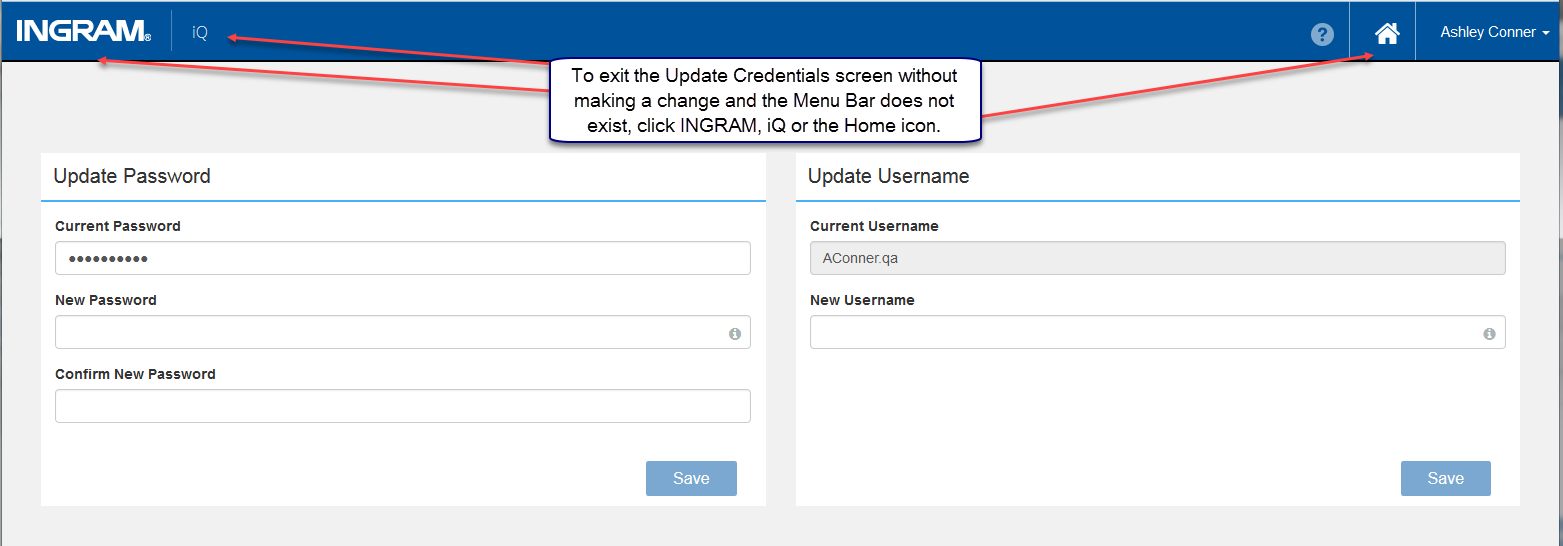
In this instance, the user has created their new credentials but intends to update the Password or Username.
Comments
0 comments
Please sign in to leave a comment.